

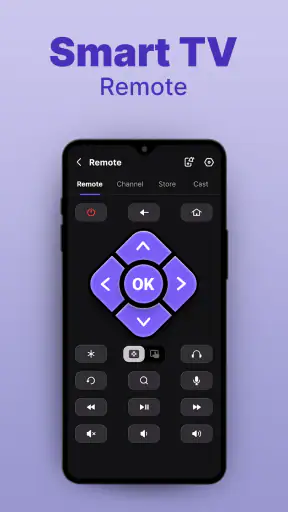
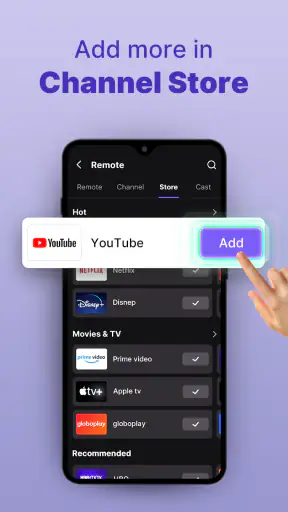
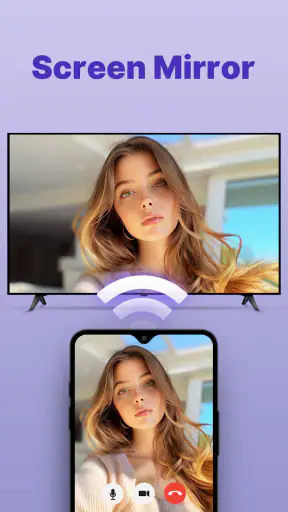
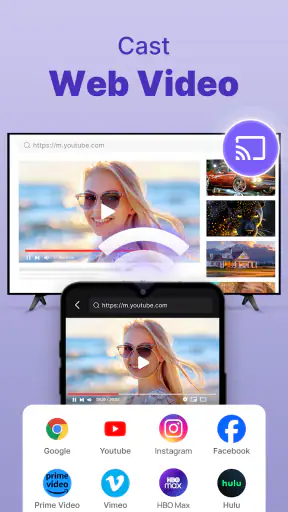
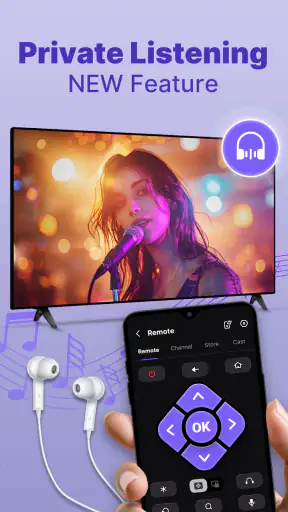
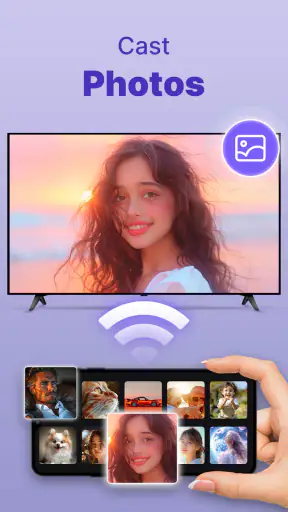
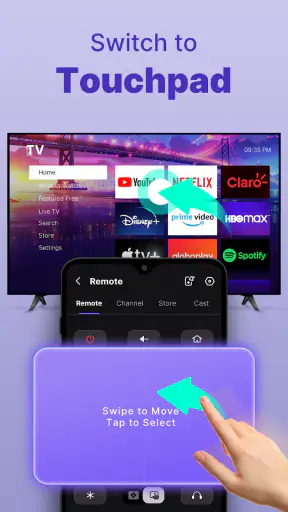
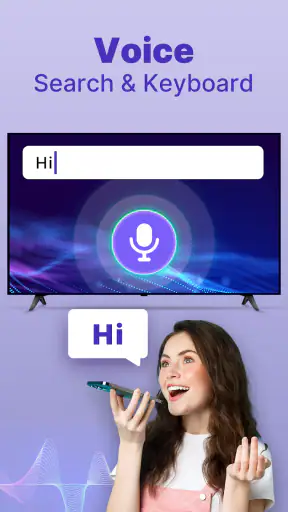
Misplacing the television remote is one of those small household problems that becomes surprisingly annoying. I tried Smart TV Remote Control APP with that situation in mind: one person wants to change the channel, another is looking for the remote under cushions, and the phone is usually already in someone’s hand. This free tools app from Vsray Technology turns a compatible phone into a television controller, and its appeal is very straightforward: it can be useful when the physical remote is unavailable.
The experience is not the same as owning a dedicated replacement remote for every television. Compatibility and the way your TV connects are important, so I would not install it expecting every device in the house to work automatically. Still, for a shared living room, a guest room, or an older television whose remote has stopped responding, it offers a practical option worth testing before buying replacement hardware.
How it fits into a shared living room
The most convincing use case is not personal control but shared access. In a household, the remote often becomes a tiny source of conflict: someone takes it to another room, leaves it beside the sofa, or forgets where it was placed. A phone-based controller changes that routine because the person who needs a quick adjustment can use their own device instead of beginning a search.
I found this especially useful during ordinary moments rather than long viewing sessions. If I was cooking and the television volume was too loud, using the phone was more convenient than walking across the room to find the remote. The same applies when a family member is already watching something and another person needs to lower the sound, switch input, or pause what is playing. The phone is not necessarily better than a physical remote, but it is often closer at hand.
That shared-device angle also reveals an important limitation. A phone is personal, while a television is communal. If several people want control, they may need to agree on who is using the app at a given moment. There is no reason to assume that installing it on multiple phones will create a coordinated household system. I would treat each phone as an individual controller and establish a simple rule: the person actively managing the TV keeps control until the viewing task is finished.
That sounds minor, but it avoids an irritating situation in which two people repeatedly change the volume or input at the same time. For a family, roommates, or a shared apartment, the app works best when it supplements normal communication rather than replacing it. The technology can provide access; it cannot decide who should be in charge of the screen.
What the first setup tells you
The initial setup is where I would judge whether this app is suitable for your home. The store summary presents it as a remote for a TV using a phone, but that does not mean it is a universal solution for every television and every connection method. You should have the television nearby, keep its original remote within reach, and be ready to stop if the pairing process does not recognize your equipment.
I recommend testing the basic controls before relying on it for an important viewing session. Try power, volume, channel or navigation controls, and input selection if those options appear for your television. A remote app can seem successful when it connects but still be inconvenient if the buttons you use most often respond slowly or are difficult to locate. Testing at a calm time lets you discover that without interrupting a film.
There is also a sensible boundary around permissions and household privacy. Since this is a remote-control tool, I would pay attention to every setup request and avoid granting access that does not seem relevant to controlling the television. I would also avoid installing it casually on a child’s phone or a work device without checking the screen and account context first. The app is rated for Everyone, but an age rating is not the same thing as a guarantee that every household arrangement will be equally comfortable.
The current version is 2.1.3, and it supports Android devices running version 5.0 or later. That gives it a broad technical reach, including phones that are no longer new. Even so, operating-system compatibility alone does not guarantee television compatibility. The phone, the TV, and the connection method all have to cooperate, which is why a short practical test matters more than assuming the app will behave like a physical remote.
Keeping control clear between people
In a shared home, the most useful habit is to separate setup from everyday operation. One adult can test the connection and explain the main controls, while other household members learn only what they need. This makes the app less intimidating for someone who does not enjoy changing settings on a phone, and it reduces accidental changes to the television.
I would also keep the phone unlocked and ready only when it is actually needed. A remote app can be convenient, but it competes with notifications, calls, low battery, and ordinary phone use. If the device owner leaves the room, the household may suddenly lose access even though the TV itself is still on. That is the trade-off of replacing a shared object with a personal device.
For roommates, this distinction is even more important. A physical remote usually belongs to the room; a phone belongs to its owner. Before using the app as the main controller, agree on whether everyone may install it, whether one person handles setup, and what happens when someone is watching something privately. These are not app features, and I would not pretend that the software solves them. They are simple household boundaries that make the tool less disruptive.
Another useful practice is to use the app for quick corrections rather than handing over full control unnecessarily. If somebody asks for the volume to be lowered, the person nearest to the phone can make that single change and return to what they were doing. That keeps the television available to the viewer while still helping the rest of the household. In my experience, this is a better shared-use pattern than treating every phone as an invitation to browse through every setting.
Where it is more convenient than the usual alternatives
The usual alternative is the original remote, and when that remote works, it remains the simplest choice. It has physical buttons, does not depend on a phone battery, and is clearly associated with the television. A dedicated replacement remote can also be better for older relatives or anyone who prefers tactile controls. I would choose one of those options if the TV is used constantly and the physical remote is easy to keep in one place.
Smart-home platforms and manufacturer-specific remote apps may offer a more integrated experience when your television already belongs to that ecosystem. They can be preferable if you want one established control system for several devices and are comfortable managing the required accounts or setup. Smart TV Remote Control APP is more appealing when your immediate need is narrower: you want to try a phone-based controller without first replacing the remote or reorganizing the whole home.
The app’s main advantage is convenience during a temporary problem. A broken remote, a missing battery, or a television in a guest room can justify trying it. Its weakness is that it introduces another layer between you and the TV. You must keep the phone available, understand the connection, and accept that the experience may not feel as direct as pressing a physical button.
I would not recommend making it the only control method before testing it thoroughly. Keep the original remote nearby during the first few sessions. If the app proves reliable with your television, it can become a useful backup or an additional controller. If it does not, you have not stranded the household with a screen nobody can operate.
Age, trust, and account boundaries
The Everyone content rating makes the app approachable for a broad audience, but shared-device use still deserves some thought. A child may understand the volume and navigation buttons yet not recognize the consequences of changing inputs, turning the TV off during another person’s program, or installing something without asking. I would show younger users the controls they need and make it clear that the phone owner’s other apps and information are private.
This is also why I would avoid passing a personal phone around as if it were a neutral remote. The television may be communal, but the phone can contain messages, photos, payment tools, and work information. A better arrangement is for each person who needs regular access to use their own device, provided the connection works, or for one trusted household member to handle the controller. That keeps account boundaries clear without imagining parental controls that the app has not promised.
For older family members, the question is less about age and more about comfort. Someone who dislikes touchscreens may find a phone remote harder to use than a large-button physical controller. On the other hand, a person who already uses a smartphone every day may appreciate having familiar access to volume and navigation without learning another piece of hardware. I would let the intended user try it directly instead of deciding based only on the age rating.
Trust matters as well. Because the app controls a shared screen, everyone should know who can change what and when. In a bedroom or private viewing space, that boundary may be obvious. In a living room, it is better to ask before interrupting someone’s program. The tool makes control easier to reach, which is helpful, but that same convenience can make interruptions easier too.
Costs and the practical value of trying it
Smart TV Remote Control APP is free to install, which makes experimentation relatively easy. It also includes in-app purchases priced from $3.99 to $29.99 per item. I would not pay for anything until the basic connection works with the exact television you intend to control and the free experience has shown whether the app fits your routine.
That pricing range makes the decision more practical than emotional. If you only need a temporary backup, paying may not make sense when a replacement remote is inexpensive or the original can be found. If the app becomes a dependable controller for a television used every day, you can then consider whether any paid option offers enough value for your household. The important point is to evaluate it as a tool, not as a substitute for testing compatibility.
The public response suggests a mixed but substantial level of interest: the app holds a 3.9 average from around twelve thousand ratings, with more than five million installs and roughly eight hundred fifty reviews. I see that as evidence that many people are trying the concept, not as proof that it will work perfectly with your TV. Remote apps are unusually dependent on the devices around them, so your own trial remains the most meaningful test.
Small habits that make the app less frustrating
My first tip is to create a dedicated moment for setup rather than attempting it when everyone is waiting for a program to start. Have the television powered on, keep the original remote available, and test the controls one by one. This prevents a common mistake: assuming that a connection is useful simply because the app has opened successfully.
My second tip is to decide which phone is the household backup. If everyone installs the app, nobody may know who should respond when the TV needs attention. Choosing one reliable device gives the family a clear fallback while still allowing others to use their own phones when appropriate.
Third, treat the app as a controller for the television, not as a reason to hand over your entire phone. If a child, guest, or roommate needs to adjust the sound, make the change yourself or use a device that does not expose personal information. This is a simple privacy improvement that comes from the shared-device nature of the setup, not from any special privacy feature.
Finally, keep a physical alternative accessible. A phone can be charging, muted, out of reach, or needed for an urgent call. The best household arrangement is usually redundancy: the app handles those moments when it is more convenient, while the original or replacement remote remains available when a tactile, always-ready controller is better.
Who should use it and who should skip it
I would recommend trying this app if you regularly lose the remote, need a backup for a guest room, or want a quick way to control a television from a phone already in your hand. It is also worth considering for a household that can agree on simple control rules and has someone willing to complete the initial setup carefully.
I would skip it as a primary solution if your household needs guaranteed instant access, if everyone dislikes touchscreen controls, or if the television is used by people who should not be given access to a personal phone. A dedicated physical remote is a better fit in those cases. I would also choose a manufacturer-specific option when your home already depends on one established smart-TV ecosystem and you want deeper integration than a general tools app is likely to provide.
The developer, Vsray Technology, has kept the central idea easy to understand: use a phone as a TV controller. That focus is its strength, but it also means the app should be judged by daily reliability rather than by how attractive the concept sounds. If the controls respond well on your equipment, the convenience can be real. If the connection is inconsistent, the app quickly becomes more trouble than searching for the original remote.
My household verdict
After looking at it as a shared-home tool rather than a novelty, I see Smart TV Remote Control APP as a sensible backup with a clearly defined role. It can save a trip across the room, help when the original remote disappears, and give a household another way to manage a television without immediately buying hardware. Its free entry point makes that trial easy, while the in-app purchase range means I would stay cautious about spending until the app has proved itself in your home.
My recommendation is to install it on one trusted phone, test the important controls with the television, and agree on who handles it during shared viewing. That approach answers the practical questions that matter: whether your equipment responds, whether the phone remains convenient, and whether everyone is comfortable with the control boundary. The best reason to use it is not replacing every remote in the house; it is having a dependable option when the usual remote is missing or inconvenient.
For me, that makes it worth trying, but not worth treating as a guaranteed universal replacement. It is a free tools app for Android with a broad minimum system requirement, an Everyone rating, and a useful everyday purpose. If your household values flexibility and can manage the personal-phone trade-off, it may become a handy part of the living room routine. If you want simplicity, physical buttons, and no setup decisions, the traditional remote is still the better answer.


